Finally, organize everything.
Inventory Nest helps you catalog what's inside every box and where every item is located, so you can find anything, anytime. Simple, powerful, and completely offline for your privacy.

Scan to download Inventory Nest
Scan with your phone to download the app
A Feature for Everything You Own
Flexible Hierarchy
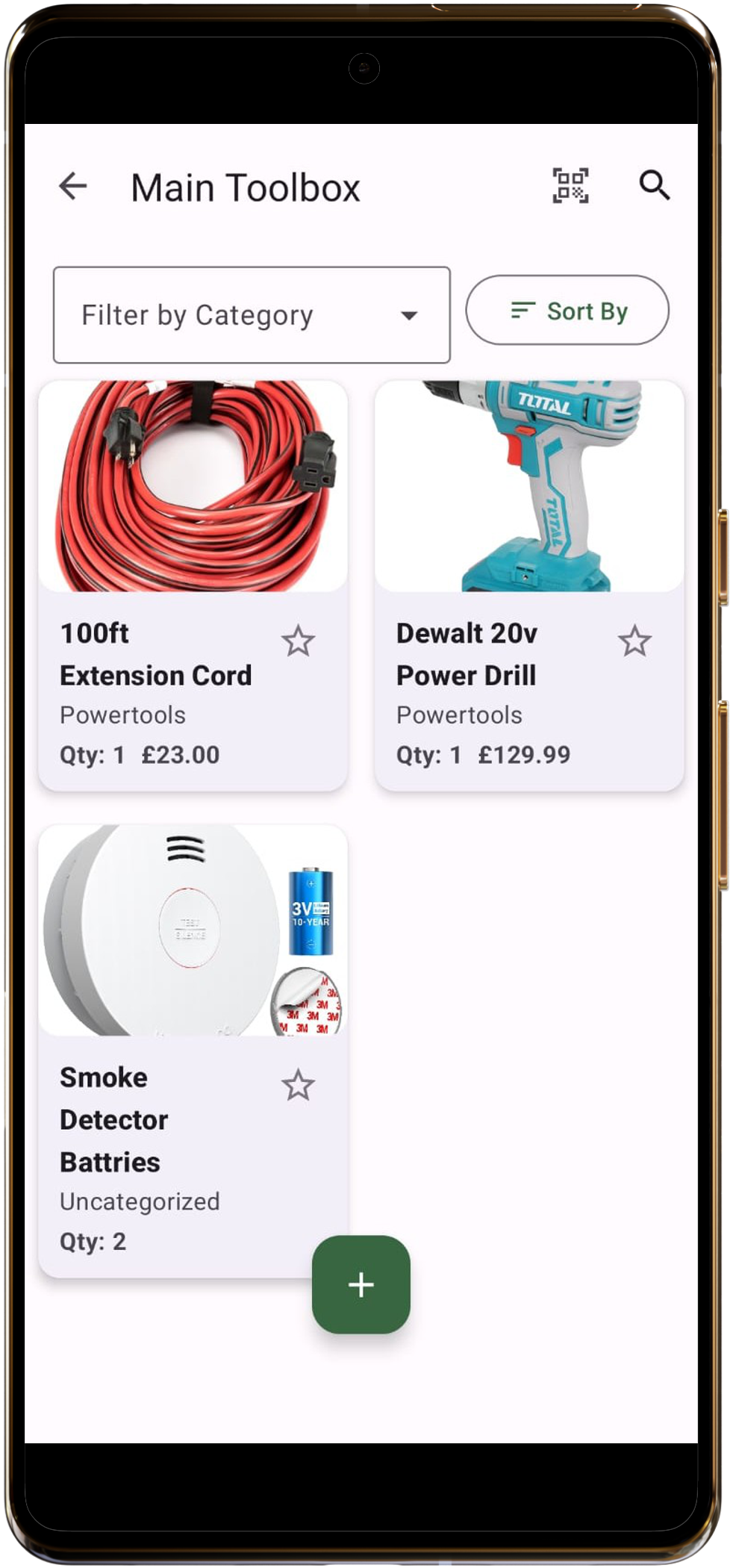
Organize your stuff logically with Locations, Boxes, and Items. Create a digital twin of your physical storage.
Detailed Item Photos
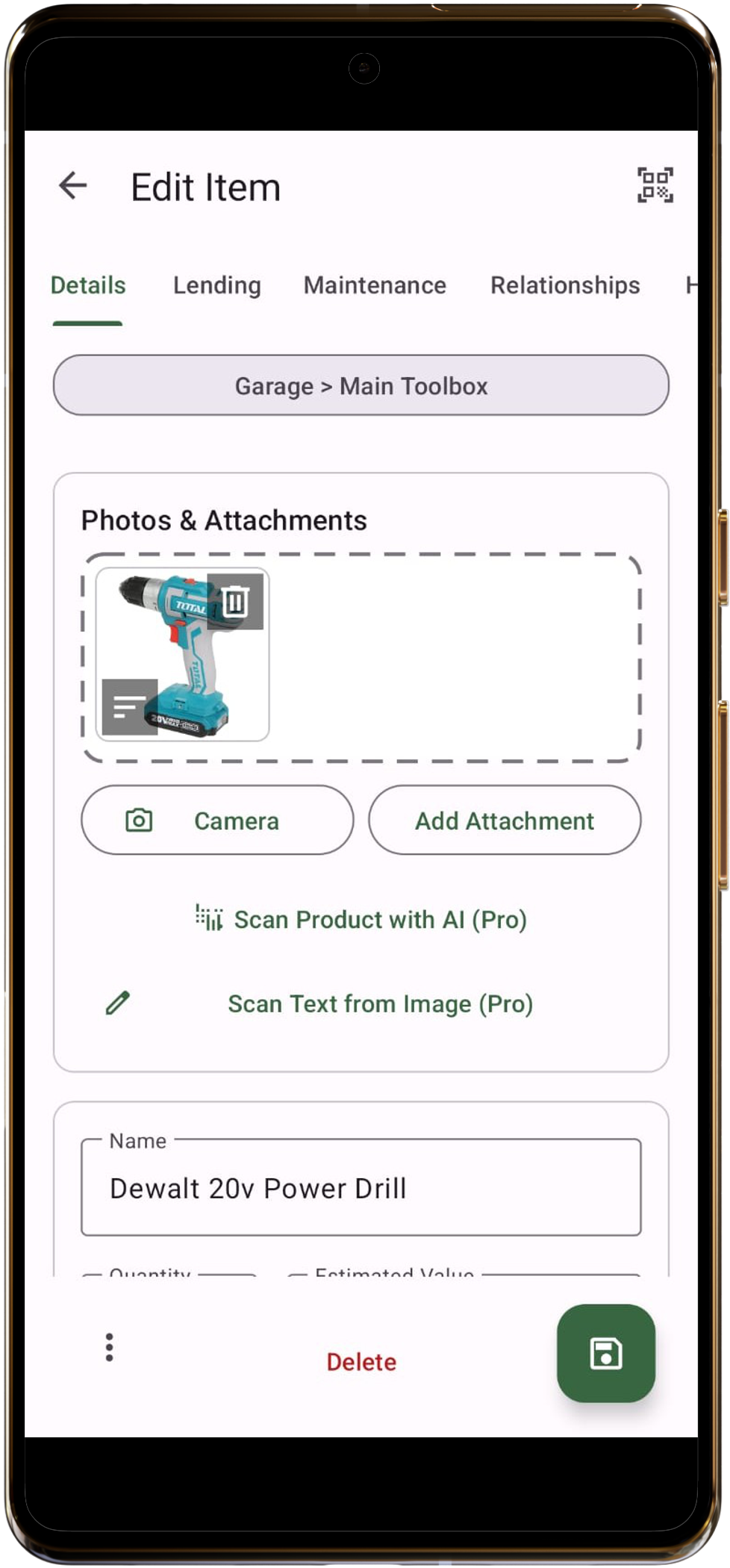
A picture is worth a thousand words. Add multiple photos to any item for detailed visual records.
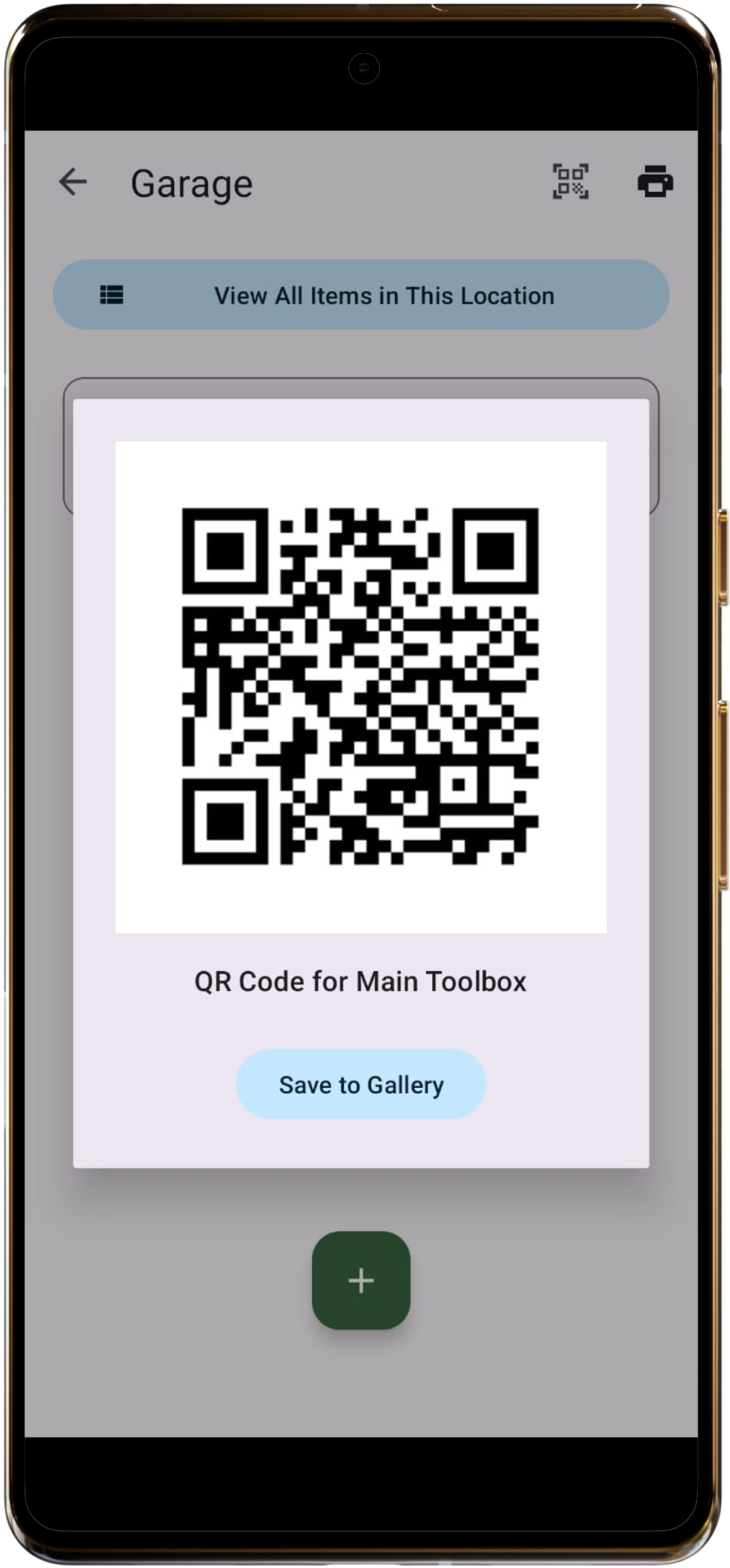
QR & Barcode Scanning
Print unique QR codes for boxes or scan existing product barcodes. A quick scan instantly pulls up the right item.
Powerful Search
Instantly find anything with a global search that checks names, descriptions, and tags. Never lose an item again.
100% Offline & Private
Your data stays on your device. We don't have servers, we don't see your inventory. It's your data, period.
Item History
See a complete audit trail for every item. Track changes to its name, value, quantity, and location over time.
Create KitsPRO
Group related items into a single 'Kit'. Perfect for camera bags, toolkits, or emergency supplies.
To-Do Lists & RemindersPRO
Create tasks, link them to items, and get reminders for maintenance, expiring warranties, or low stock.
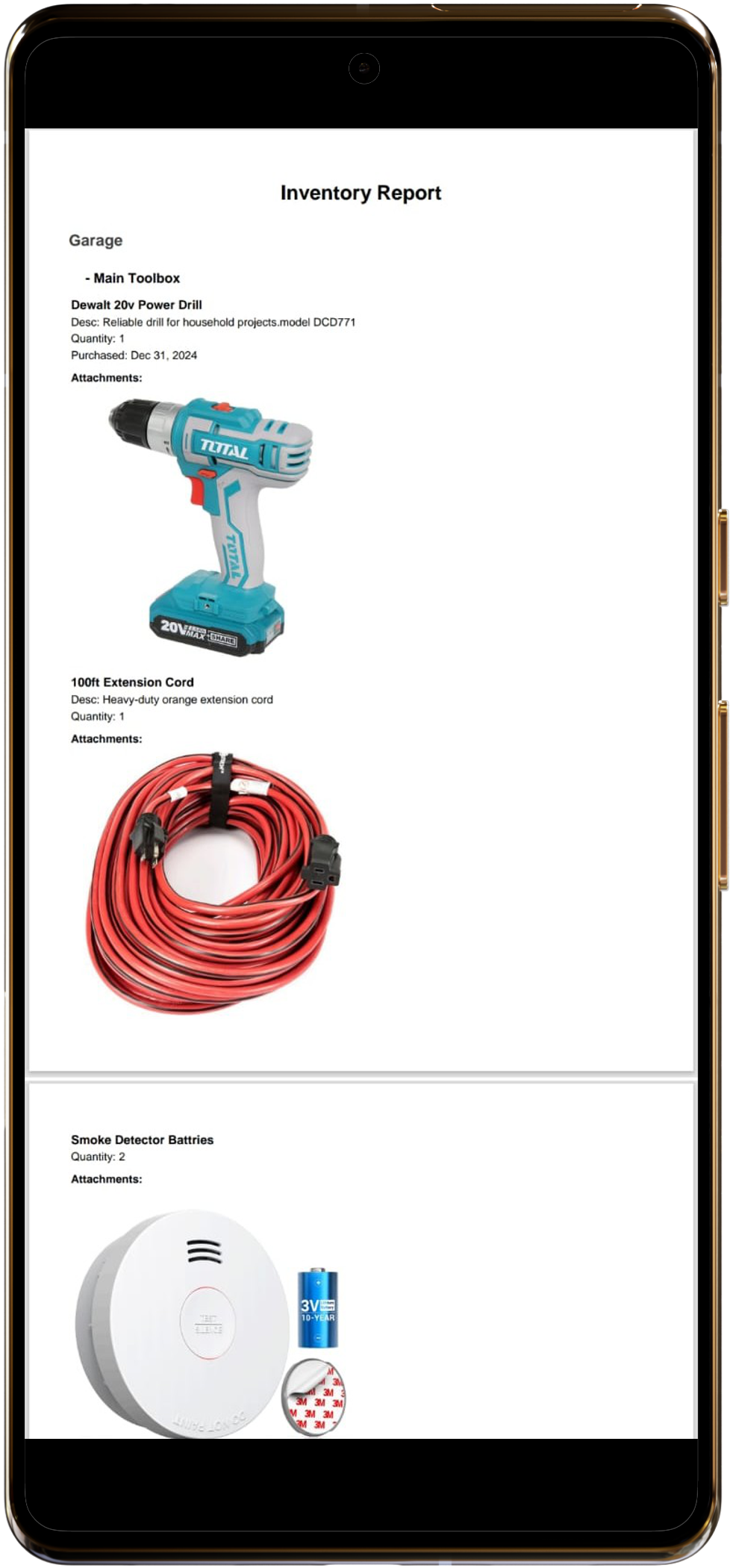
Advanced ReportsPRO
Use pre-defined reports or build your own with a powerful custom filter system to find exactly what you need.
AI & OCR ScanningPRO
Use AI to automatically identify and tag items from a photo, and scan text from receipts or manuals with OCR.
PDFs & AttachmentsPRO
Go beyond photos. Attach PDF receipts, user manuals, and other important files directly to your items.
Local Backup & Restore
Save an inventory backup file and restore it when needed. Keep your own backup copies in a safe location.
Clean & Intuitive Interface
Frequently Asked Questions
-
Where is my inventory data stored?
Your data is stored exclusively on your device in a secure, local database. We, the developers, have no access to it. Your privacy is paramount.
-
What is the difference between the Free and Pro version?
The free version gives you all core inventory features: unlimited locations, boxes, items, photos, search, and local backup. The Pro version unlocks advanced productivity features like Kits, Reports, Reminders, AI/OCR scanning, PDF/Excel export, and more.
-
How do backups work?
Inventory Nest saves a local ZIP backup through Android’s file picker. Choose a destination you trust and keep a copy for recovery. The app does not sign in to Google Drive or synchronize inventory through a cloud account.
-
Is an internet connection required?
Core inventory browsing and local backup work on your device. Google Play purchases, purchase restoration and subscription verification require network services. Some Google scanning components may need an initial download.
Get in Touch
Have questions, feedback, or need support? We'd love to hear from you!